
/
Uninstall & Data Retention
Administration & support · 39 of 39
What this guide covers
Deactivate versus destructive uninstall.
How to use it
Follow the page in order, verify the named screen or setting in PressAI, then use the related and next-guide links to continue the workflow.
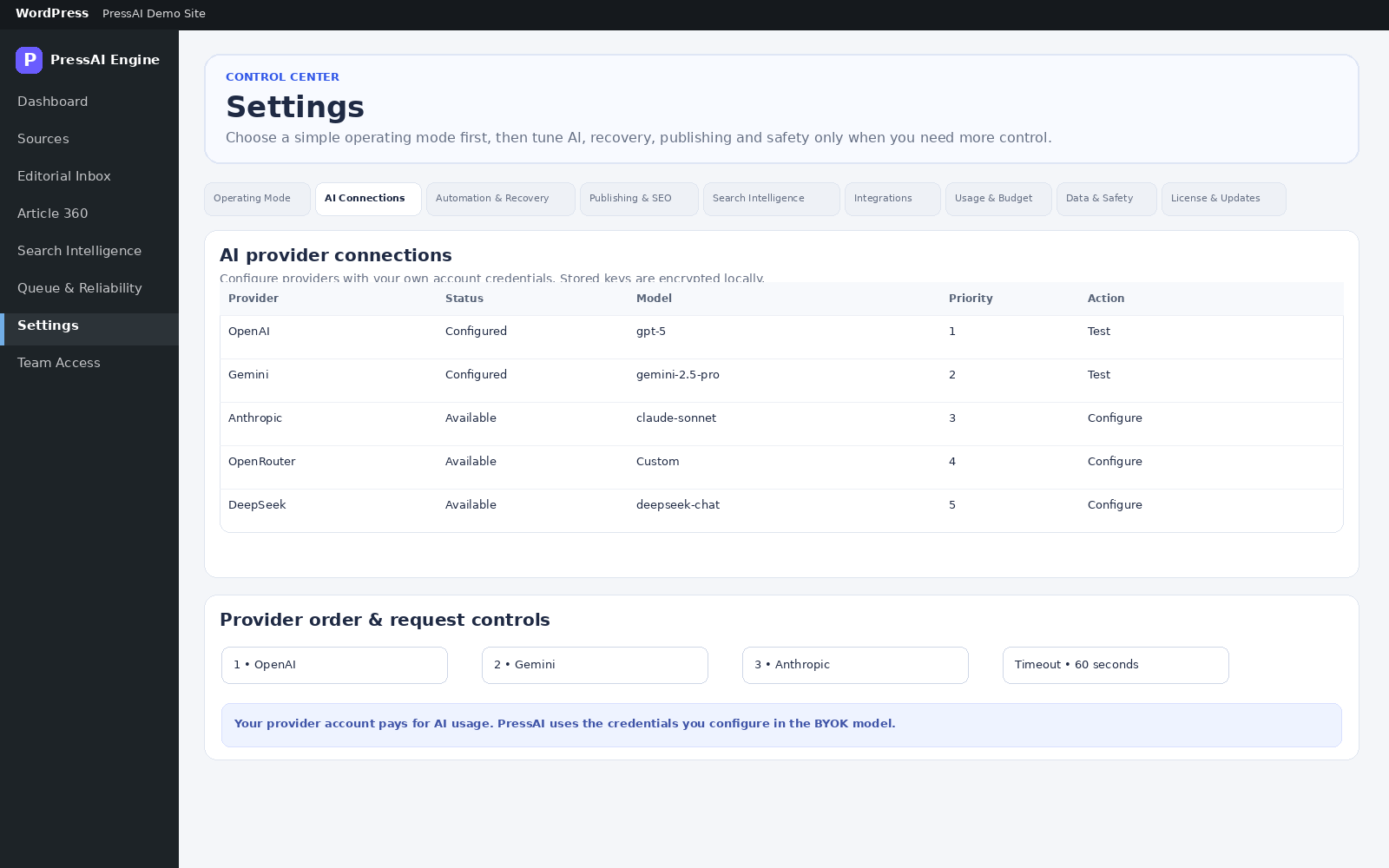
Deactivation does not delete PressAI data.
Before uninstall
- Back up WordPress.
- Review Settings → Data & Safety → Delete all PressAI data on uninstall.
- Keep required editorial evidence/content before removal.
- Use deactivate for temporary disablement; uninstall only for actual removal.
Plan the exit path
If the site is being migrated or the plugin may be reinstalled, preserve the database and any relevant media before removal. A destructive uninstall should be an explicit final action, not a troubleshooting step. Confirm the retention choice with the site owner before deleting data that may be needed for audit, rollback, or future editorial work.