
Evidence stays attached
Source coverage, corroboration, conflicts and human decisions remain connected to the article.
PressAI is the control layer around sources, evidence, AI assistance, human decisions, search signals and publishing inside WordPress.
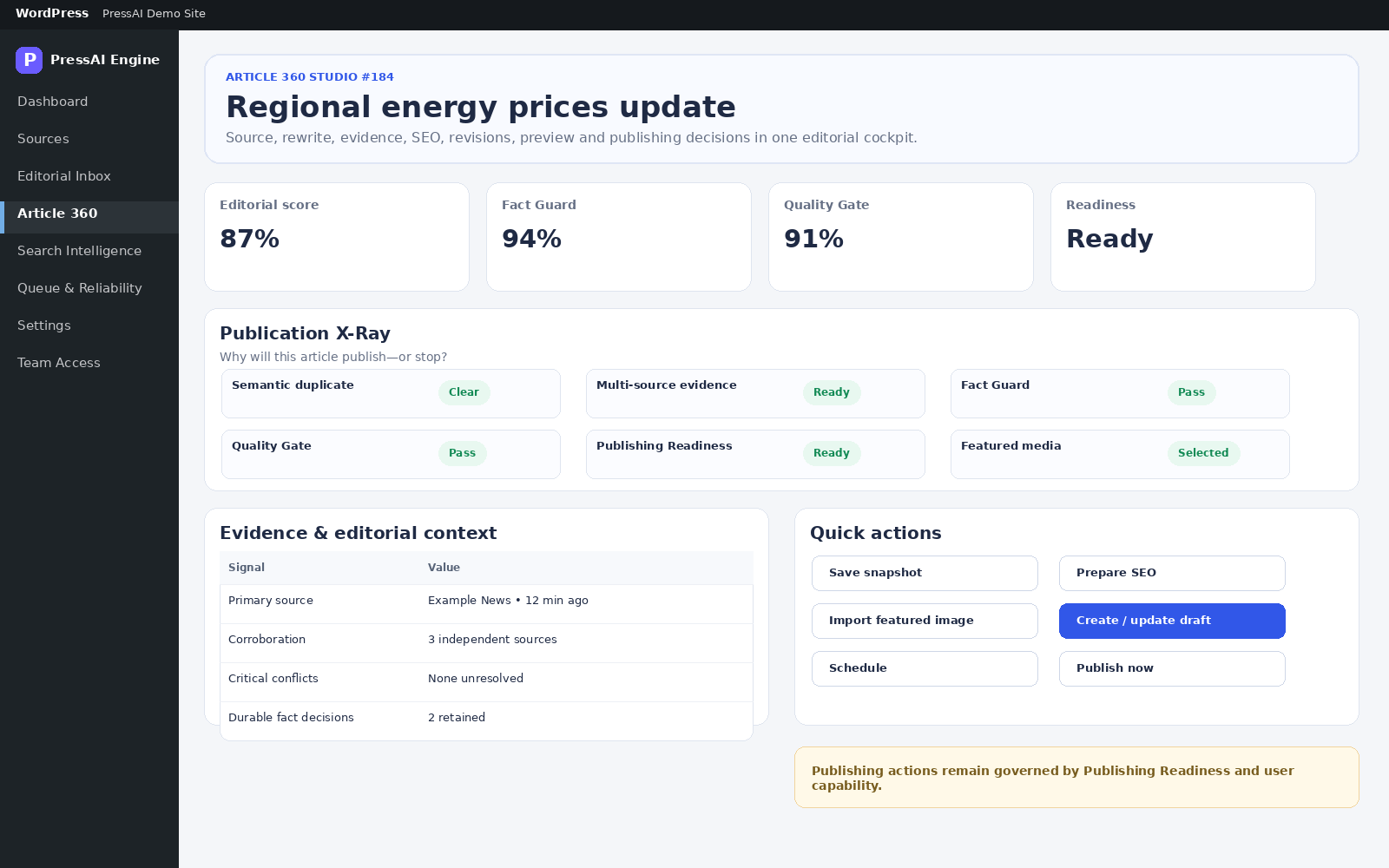
Source coverage, corroboration, conflicts and human decisions remain connected to the article.
Queue, retries, source health, logs and recovery are part of the product instead of hidden background behavior.
Quality Gate, readiness checks and granular permissions keep execution behind explicit authority.
PressAI manages editorial operations: sources, discovery, stories, AI work, evidence, quality, search preparation, queue health and publishing actions.
PressAI can automate parts of the workflow, but PressAI is designed around explicit controls rather than invisible autonomous publishing.
Useful when you only need a generated output and can manage context, evidence, review and publishing elsewhere.
Designed when you need sources, stories, evidence, human decisions, quality gates, search preparation, operations and publishing to remain connected.
Trust should come from inspectable workflows and clear boundaries, not from invented usage numbers or vague promises.
Use the Product Tour to see how Sources, Editorial Inbox, Article 360, Search Intelligence and operations fit together.
Open the product tour →Documentation explains setup, states, actions, settings, troubleshooting and responsibility boundaries in both active languages.
Browse documentation →Lite lets you begin with supported source monitoring and manual editorial curation before deciding whether the Pro workflow fits your operation.
Compare Lite and Pro →Start with source monitoring in Lite or expand into the full editorial operating layer in Pro.