
Source → Publish
Build context before you ask AI to write.
PressAI keeps source material, evidence, editorial decisions, quality checks and publishing state connected as work moves through WordPress.
Configure the operating context
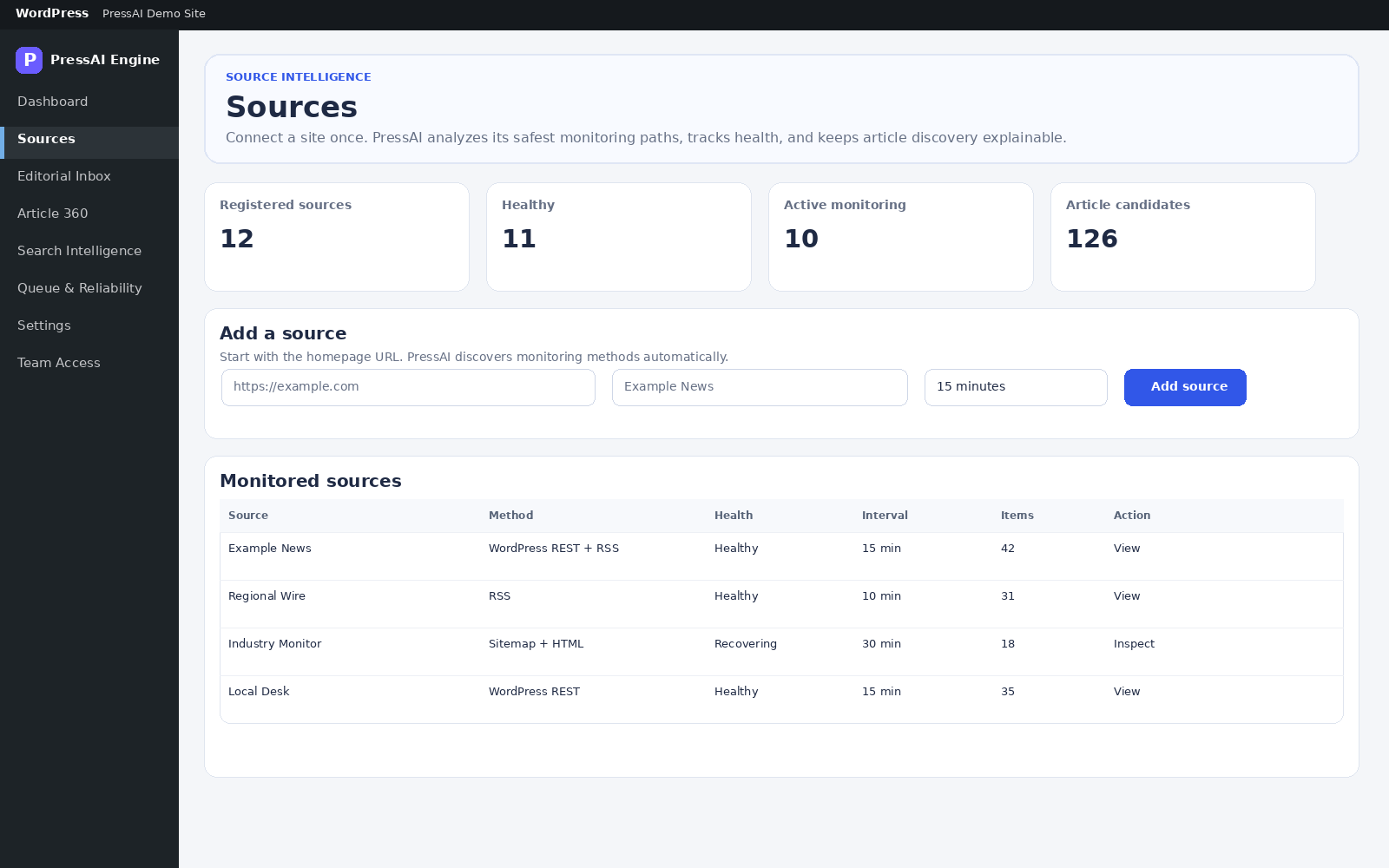
Set sources, operating mode, editorial profiles, permissions and publishing/search preferences. Add AI providers only when your workflow needs them.
Settings documentation →Discover and extract source material
Use supported discovery strategies, retrieve source material, normalize it, create fingerprints and identify duplicate or related coverage.
Discovery & extraction →Build story and evidence context
Group related coverage, identify primary material and separate corroborated facts, single-source claims and critical conflicts.
Multi-Source documentation →Use AI inside bounded editorial context
When configured, PressAI sends the relevant editorial context to the selected provider and model. AI assists the workflow; your team remains responsible for editorial decisions and publishing access.
AI connections →Review in the editorial workspace
Use Editorial Inbox and Article 360 to inspect coverage, revisions, notes, missing information, fact decisions, headlines, preview and search guidance.
Article 360 →Check facts, quality and readiness
Fact Guard, Quality Gate and Publishing Readiness surface blockers and decisions before the next publishing action is allowed to move forward.
Quality & readiness →Draft, schedule, publish or update
The final action follows the workflow state, permissions and publishing rules configured for your site. Editors can see why an item is ready, blocked or waiting for review.
Publishing & scheduling →The principle
Automation advances work; it does not hide the decision trail.
PressAI is designed to keep the source, evidence, review state and operational outcome visible so teams can understand what happened and what needs attention next.