
Watch trusted sources
Connect sources, track health and discover new material through explainable monitoring methods.
PressAI brings source monitoring, evidence, AI-assisted editorial work, Fact Guard, quality checks, search intelligence and publishing controls into one WordPress workflow.
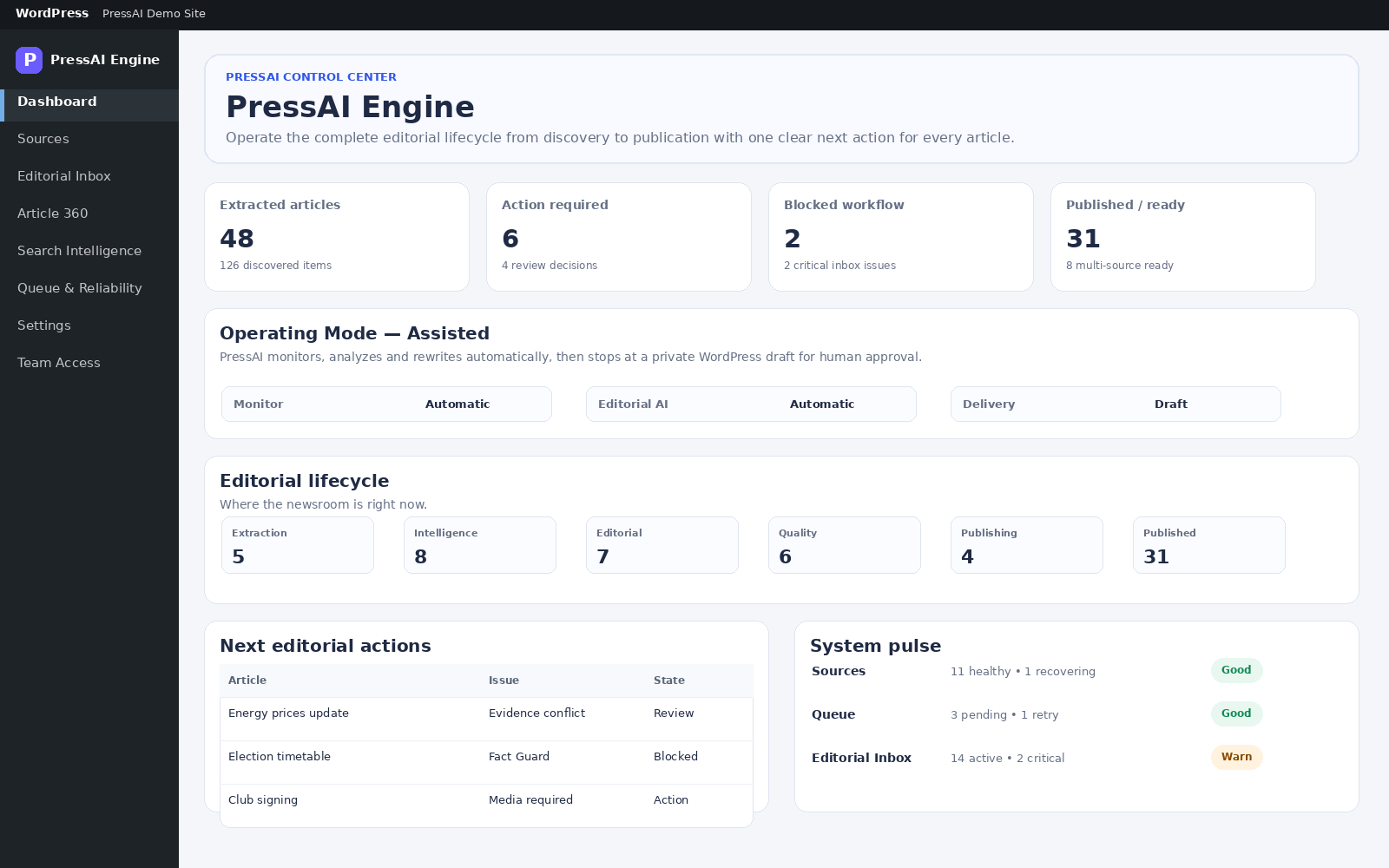
PressAI keeps source context, editorial decisions, evidence, quality gates and publishing state connected so the next action is visible instead of hidden across tools.
Connect sources, track health and discover new material through explainable monitoring methods.
Build story context, corroboration and conflict awareness before editorial output moves forward.
Fact Guard, Quality Gate and Publishing Readiness stop risky content before public delivery.
Create or update drafts, schedule and publish with the current editorial state still visible.
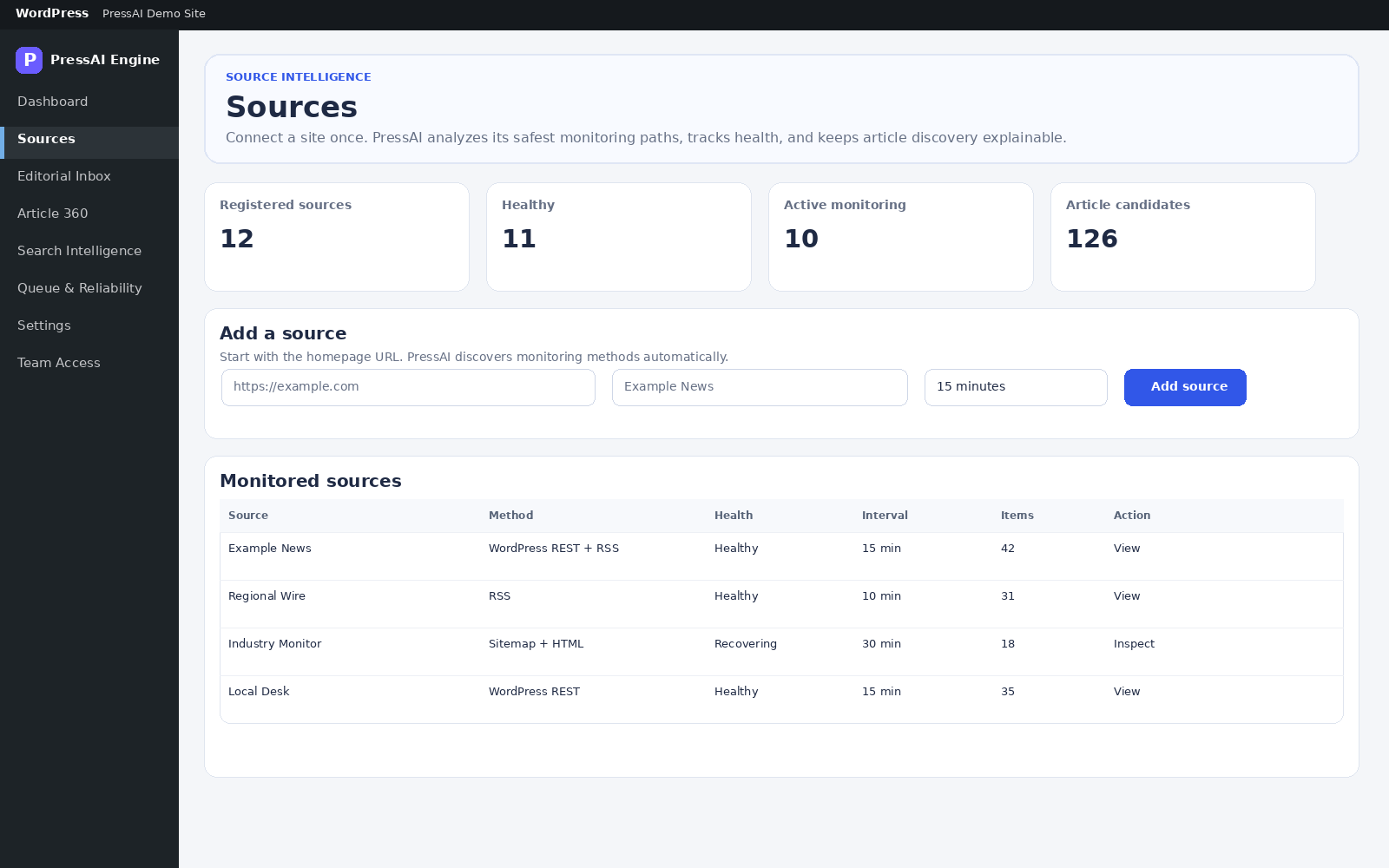
PressAI tracks registered sources, monitoring health, discovery methods and article candidates in one workspace.
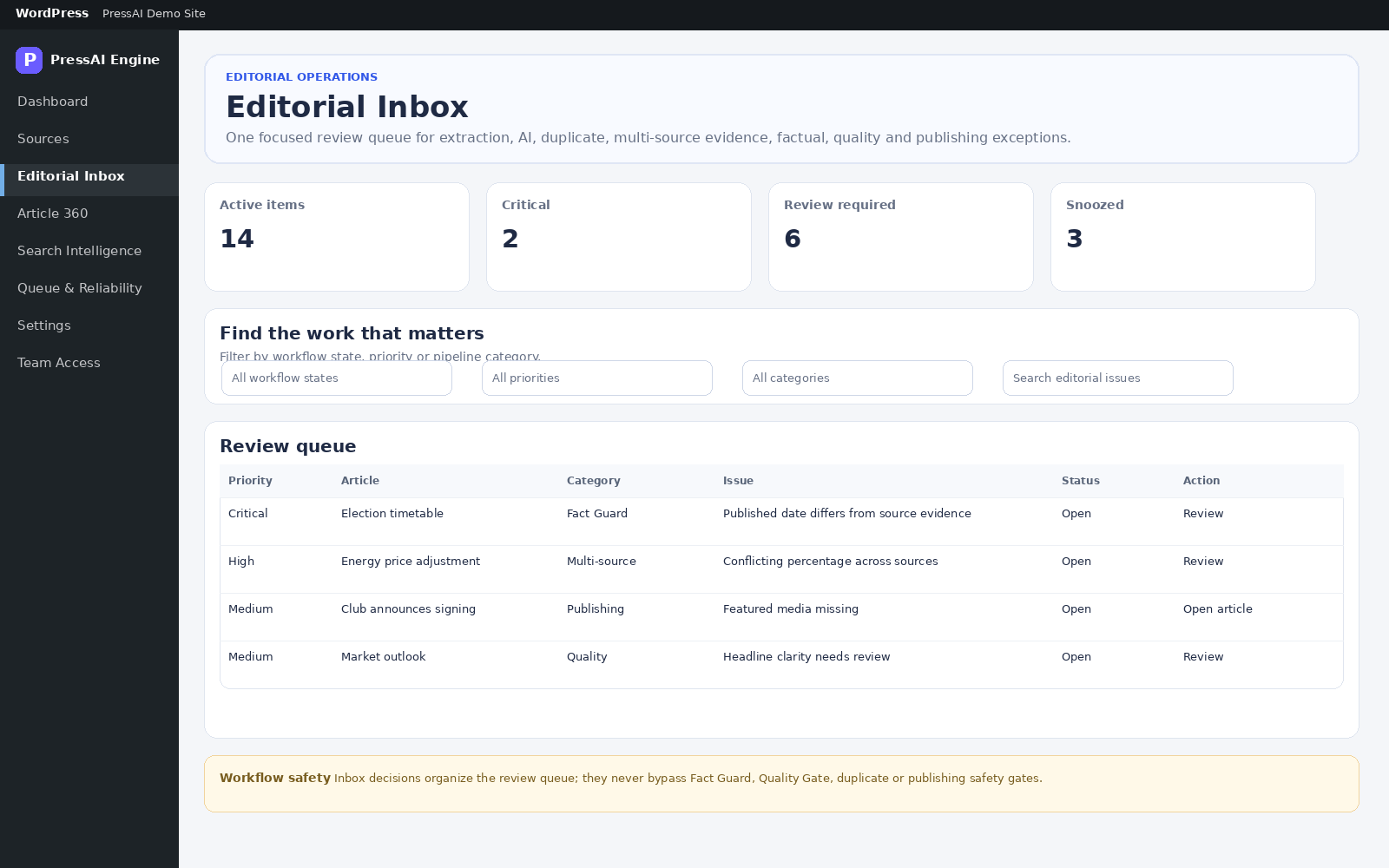
Extraction issues, duplicate review, evidence conflicts, factual blockers, quality problems and publishing exceptions arrive in one focused review surface.
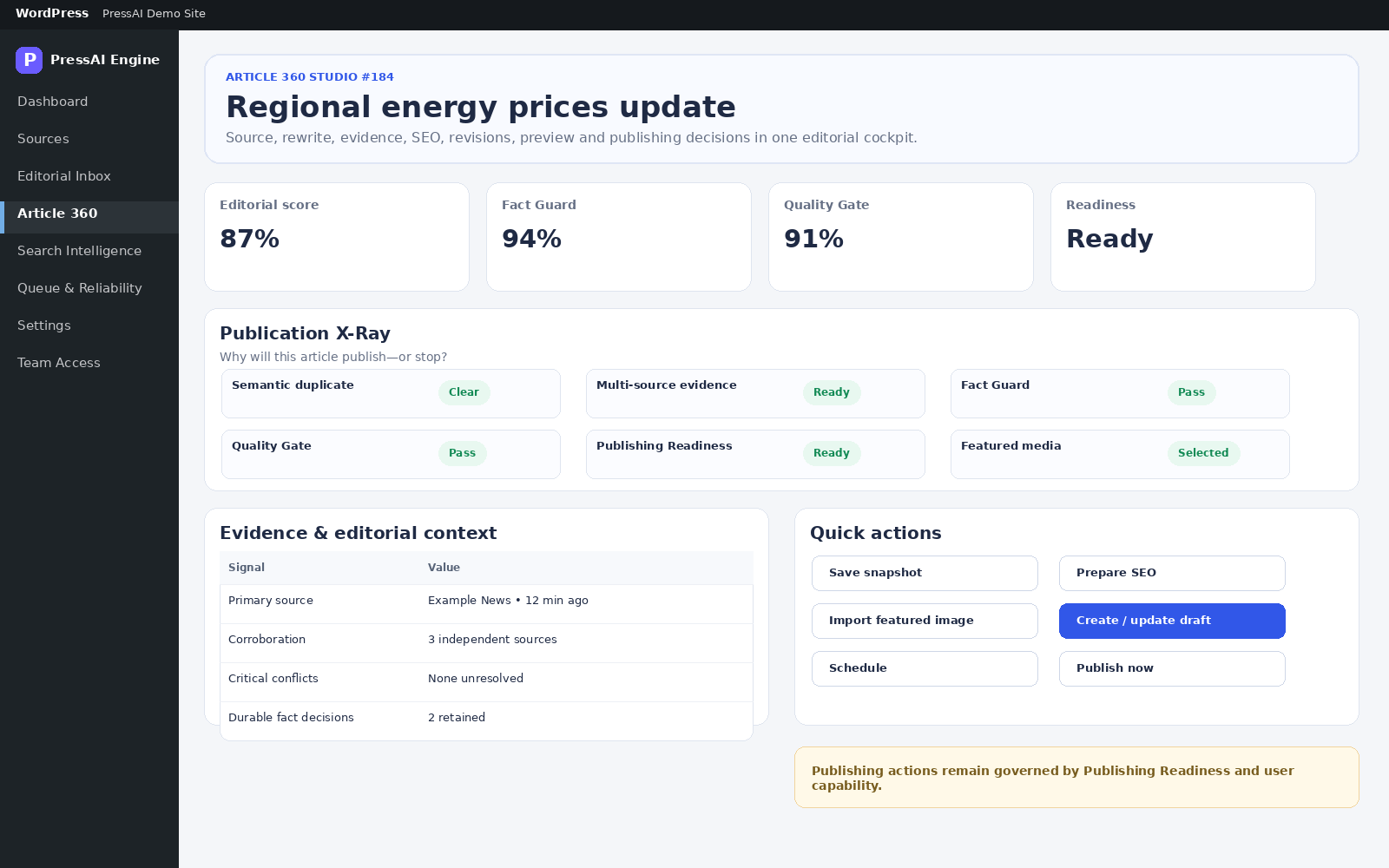
See the review workflow →Article 360 is the editorial decision workspace for evidence, revisions, Fact Guard, Quality Gate, search preparation, media and governed publishing actions.
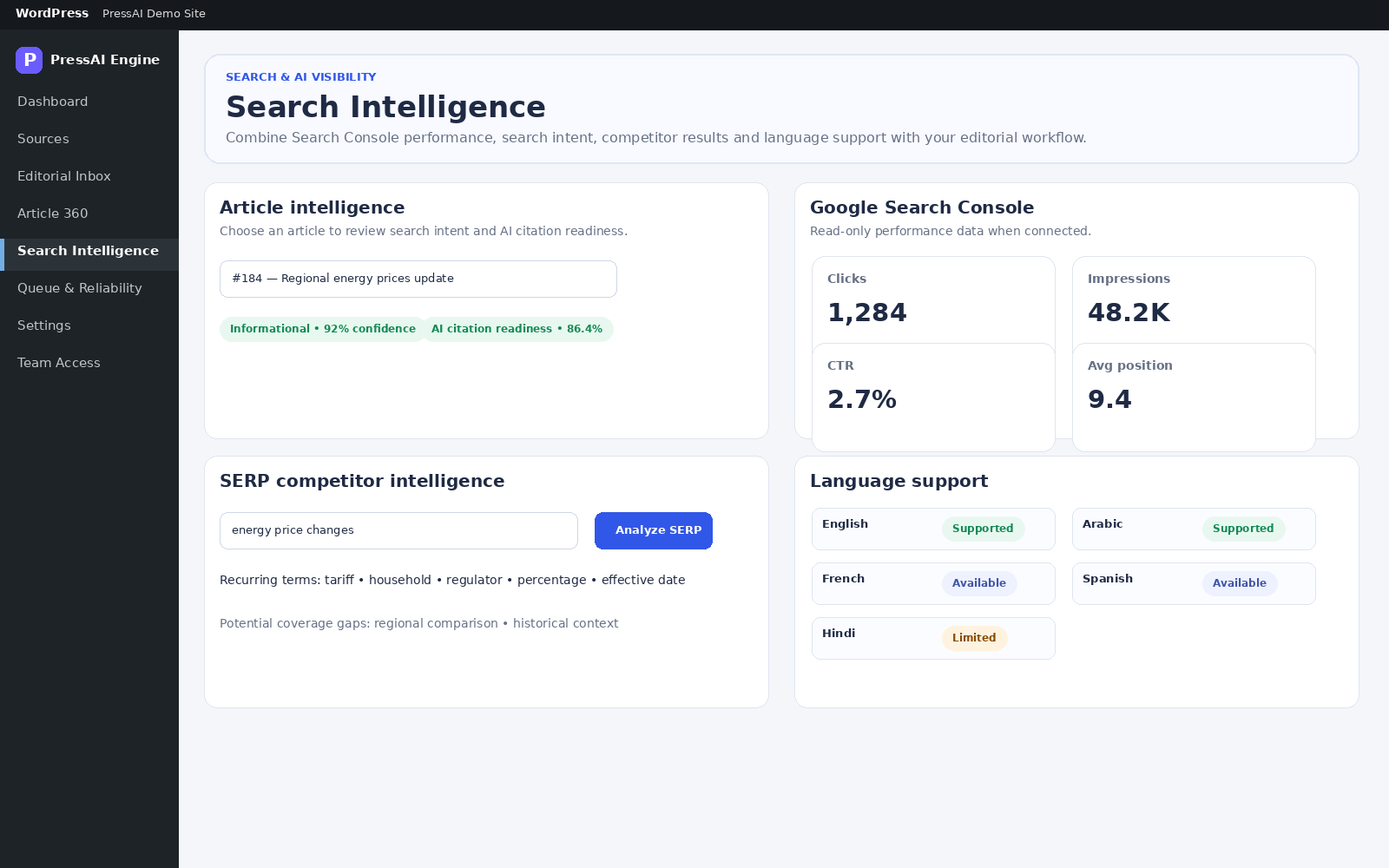
When configured, PressAI can bring search intent, Search Console performance, SERP competitor context and AI citation readiness into the same editorial workflow.
Explore Search Intelligence →Connect OpenAI, Gemini, Anthropic, OpenRouter or DeepSeek with your own account and choose provider order, models and request controls inside PressAI.
See AI connections →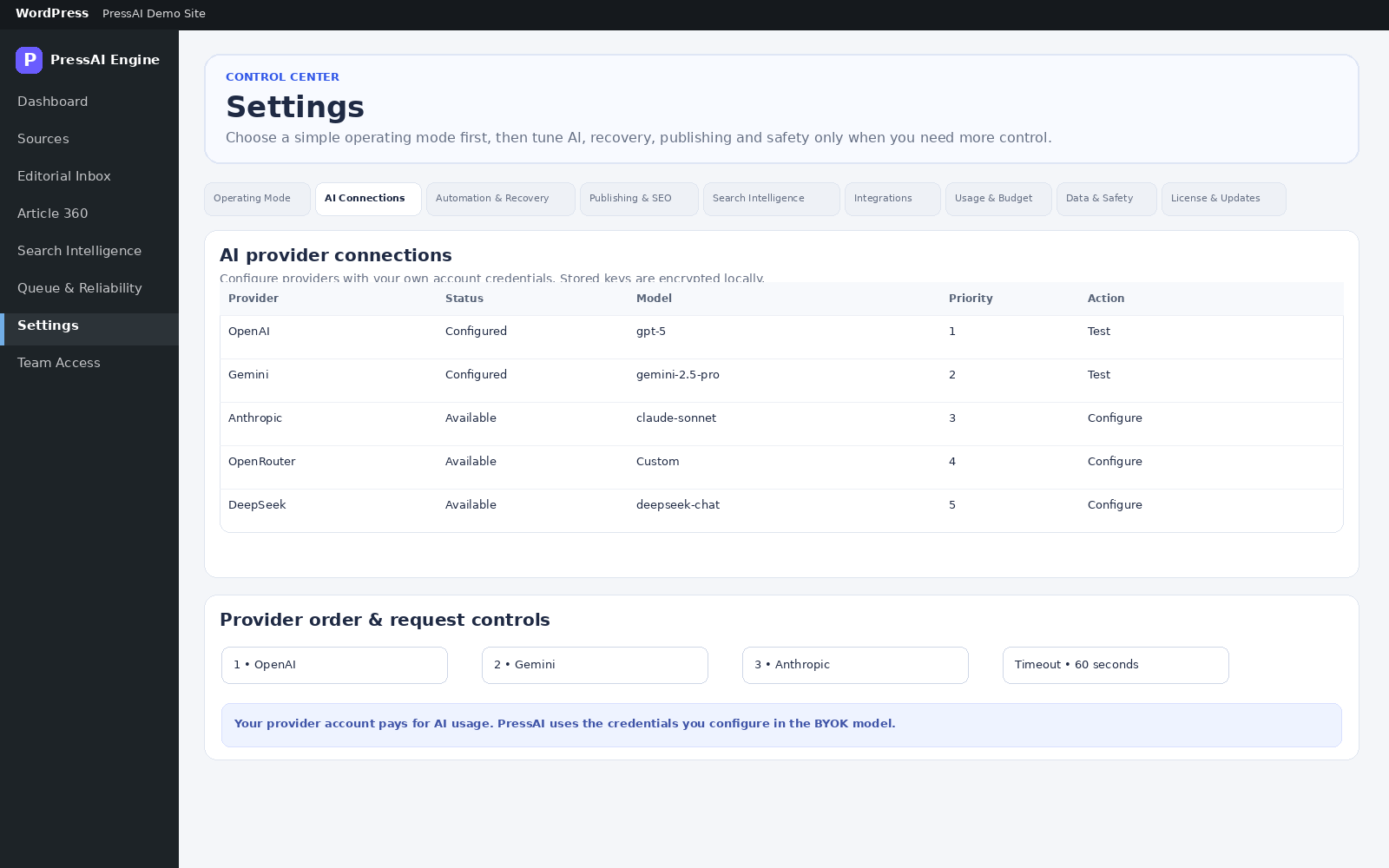
Monitor supported sources, review discovered material and create WordPress drafts without an AI account.
Explore LiteAdd story intelligence, multi-source evidence, BYOK AI, review gates, search intelligence, queue operations and controlled publishing.
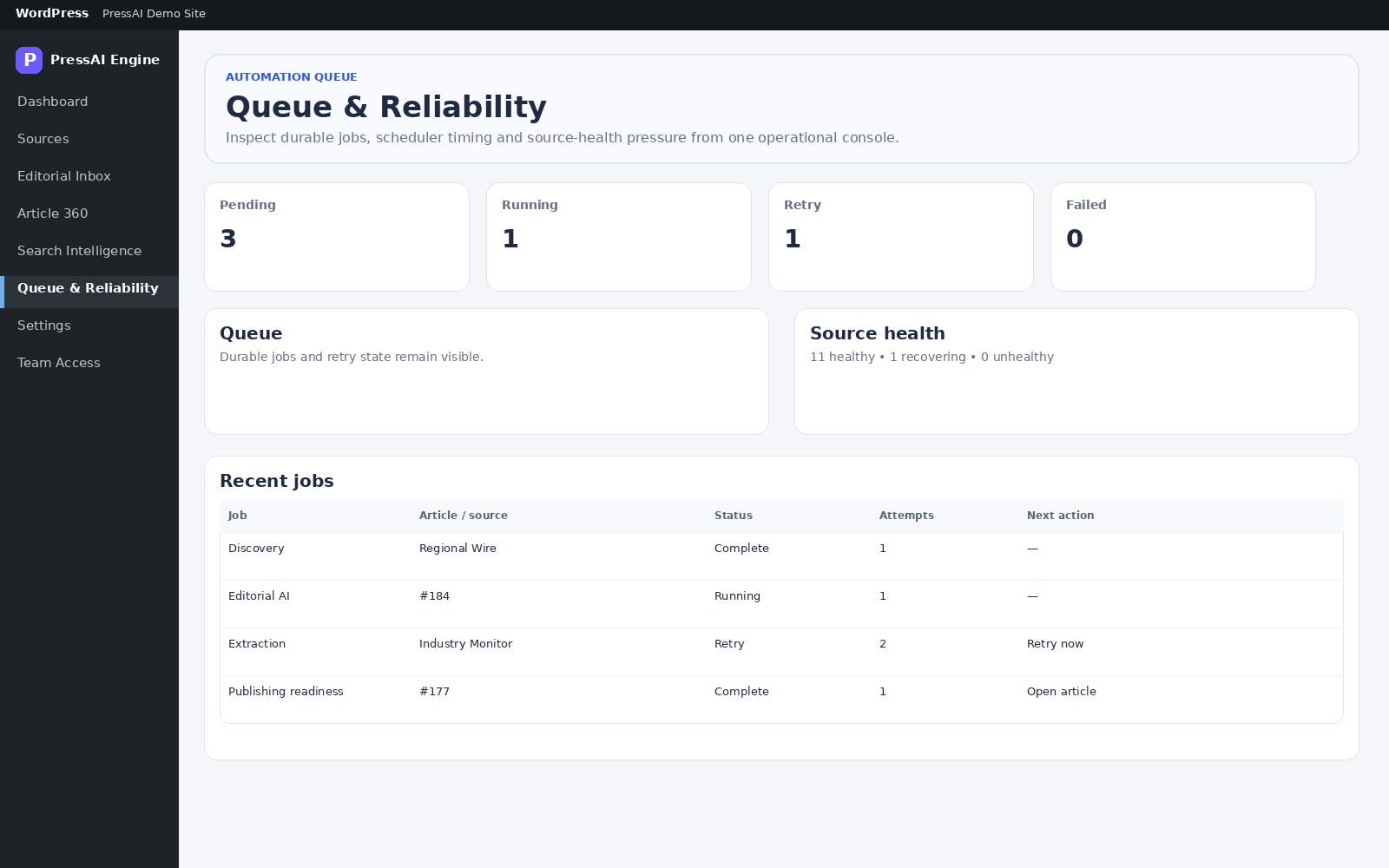
Explore ProQueue state, source health, retries and role-based access are visible instead of hidden behind background jobs.
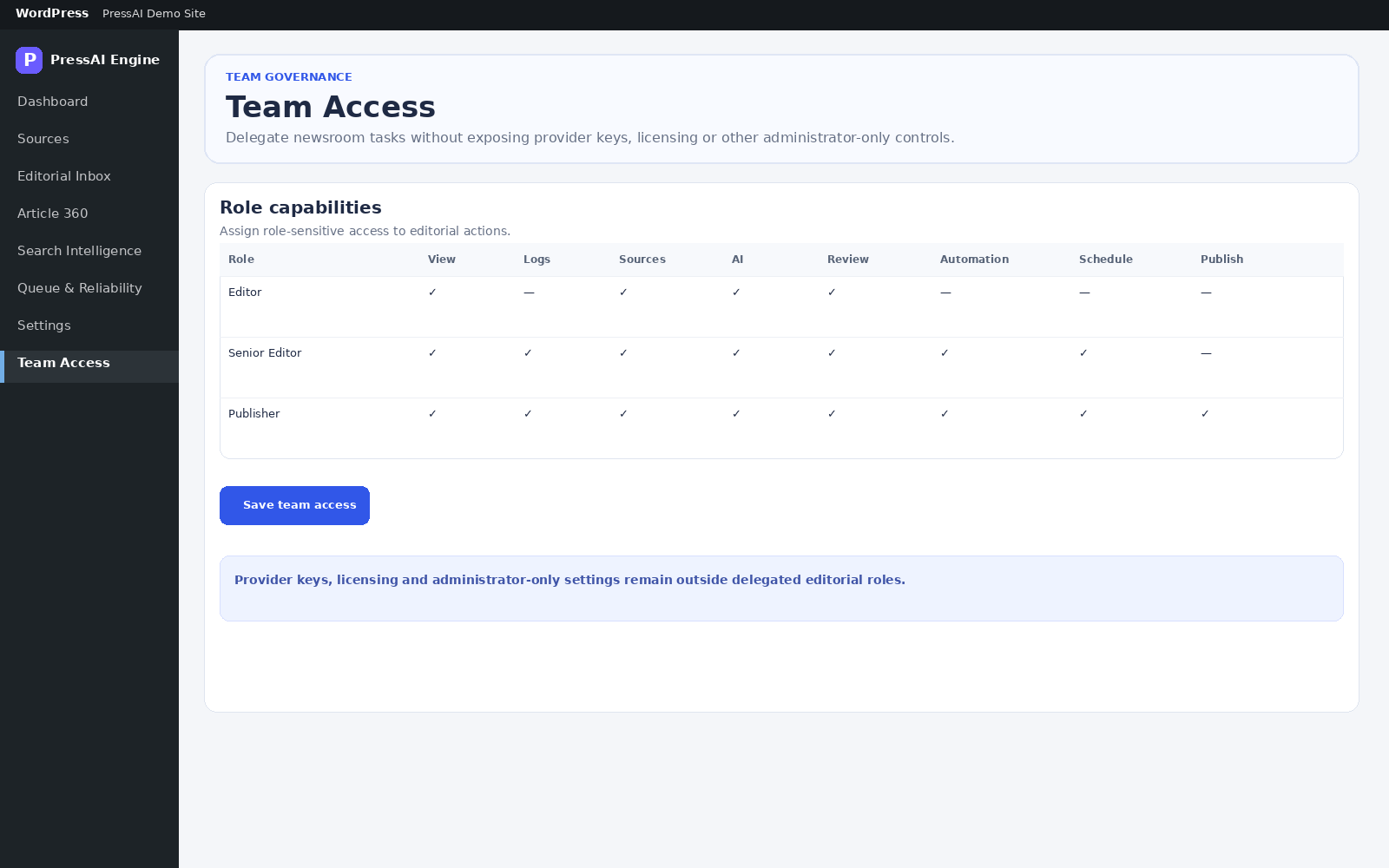
Provider credentials are stored encrypted locally. PressAI uses granular WordPress capabilities, guarded outbound requests, bounded responses and explicit integration settings.
Review the security model →PressAI keeps external connections, evidence conflicts, workflow blockers and publishing authority visible so teams can expand automation deliberately.
Use your own provider credentials and billing account instead of a hidden shared AI allowance.
Permissions, workflow state and readiness remain part of every controlled publishing action.
PressAI supports review and evidence handling; it does not replace the human responsibility for what your publication releases.
You can evaluate the workflow visually, compare editions, or go straight to the operating documentation.
Walk through the main PressAI workspaces and understand the role of each one.
Open the product tour →See where free source monitoring ends and where the full editorial operations workflow begins.
Compare editions →Review setup, workflow states, settings, permissions, troubleshooting and publishing behavior.
Browse documentation →Explore the product surfaces, edition boundaries and step-by-step operating guide.