
OpenAI
Connect an OpenAI API account and select the model available to your account for supported editorial AI tasks.
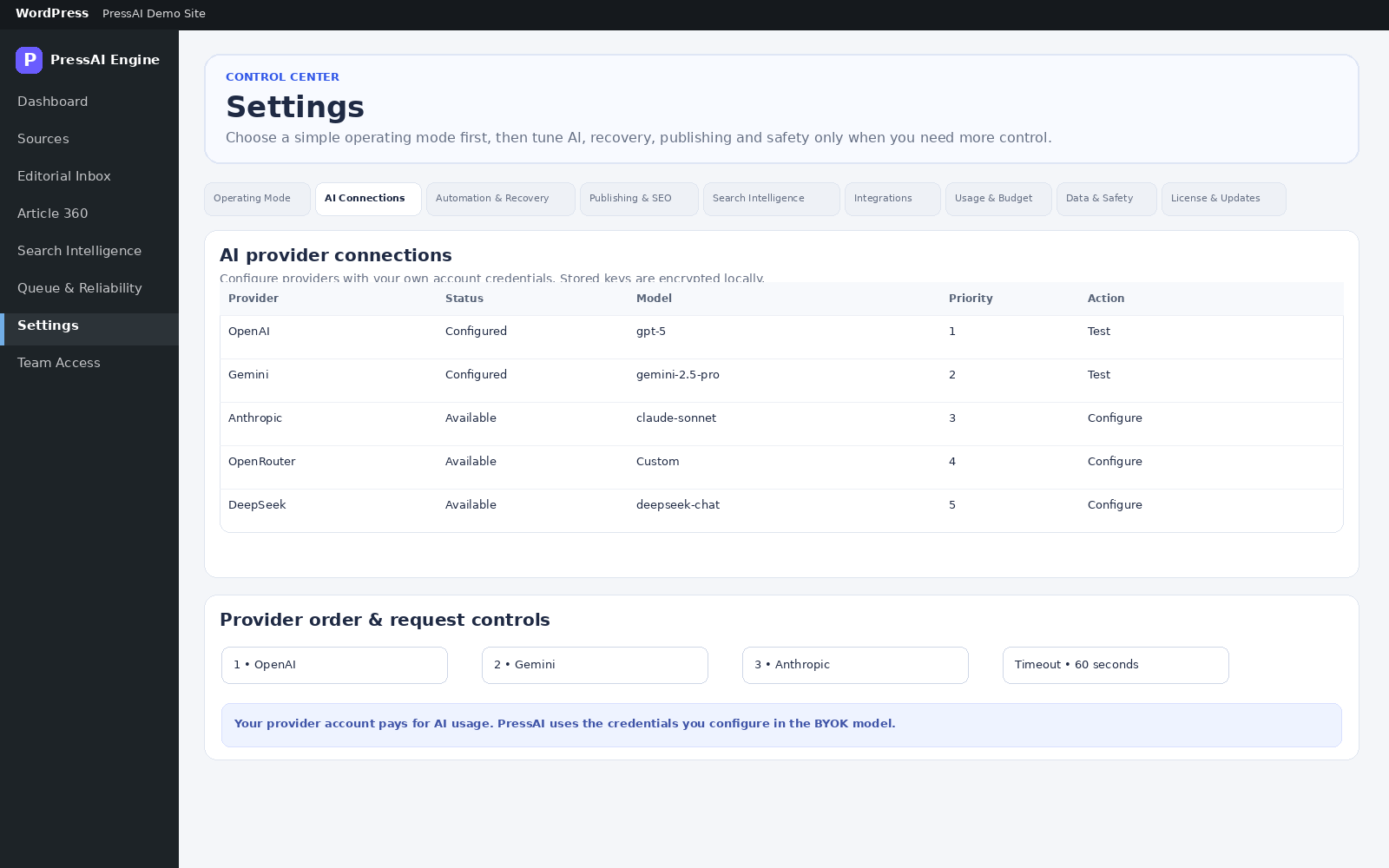
PressAI Pro connects to supported AI providers through your own account. You choose the provider, model and operating order; provider usage is billed by that provider to your account.
Model availability, quotas and billing are controlled by your provider account. PressAI gives your editorial team one place to configure and use those connections.
Connect an OpenAI API account and select the model available to your account for supported editorial AI tasks.
Connect a Gemini API key and use the models available under your Google AI account.
Use OpenRouter as a provider gateway when you want access to models offered through your OpenRouter account.
Connect Anthropic directly for supported Claude models available to your account.
Connect DeepSeek directly and use the models enabled for your provider account.
Configure provider order, model selection, timeouts and usage controls from PressAI settings.
Saved provider credentials are encrypted locally and are not re-displayed after saving. PressAI uses them only when a configured workflow needs the corresponding provider.
You choose: provider, account, model and budget.
Your provider bills: API usage under your provider account.
PressAI coordinates: the editorial workflow around those calls.
Provider errors and failed jobs remain inspectable so an editor can decide what to retry or change.
Source monitoring, evidence review and editorial decisions do not disappear simply because an AI request cannot run.
Administrators can adjust provider order and models without rebuilding the editorial workflow around a different tool.
Start with sources and operating settings, then add the provider connections your team actually needs.