
/
Installation
Start here · 2 of 39
What this guide covers
Install Lite or Pro and verify the environment.
How to use it
Follow the page in order, verify the named screen or setting in PressAI, then use the related and next-guide links to continue the workflow.
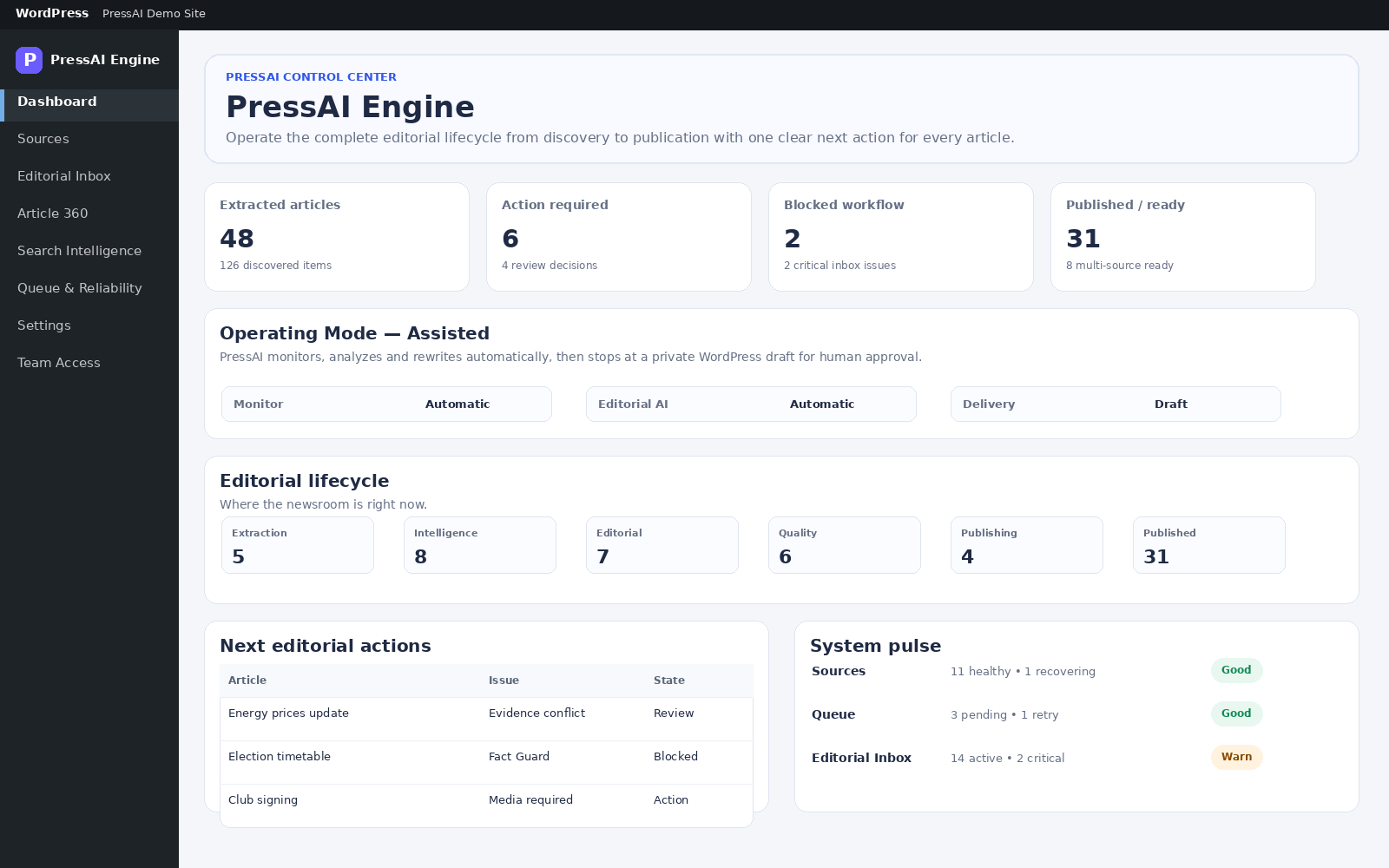
PressAI requires WordPress 6.5+ and PHP 8.1+.
Install Pro
- WordPress → Plugins → Add New → Upload Plugin.
- Upload the official Pro ZIP.
- Install and activate it.
- Open PressAI → Dashboard and then PressAI → Settings.
- Keep Lite dormant while Pro is active to avoid duplicate workflow/menu execution.
Before changing versions
- Back up WordPress.
- Use official packages only.
- Use official PressAI packages and product update channels.