
/
License & Updates
Administration & support · 36 of 39
What this guide covers
License status, update access and safe update practices.
How to use it
Follow the page in order, verify the named screen or setting in PressAI, then use the related and next-guide links to continue the workflow.
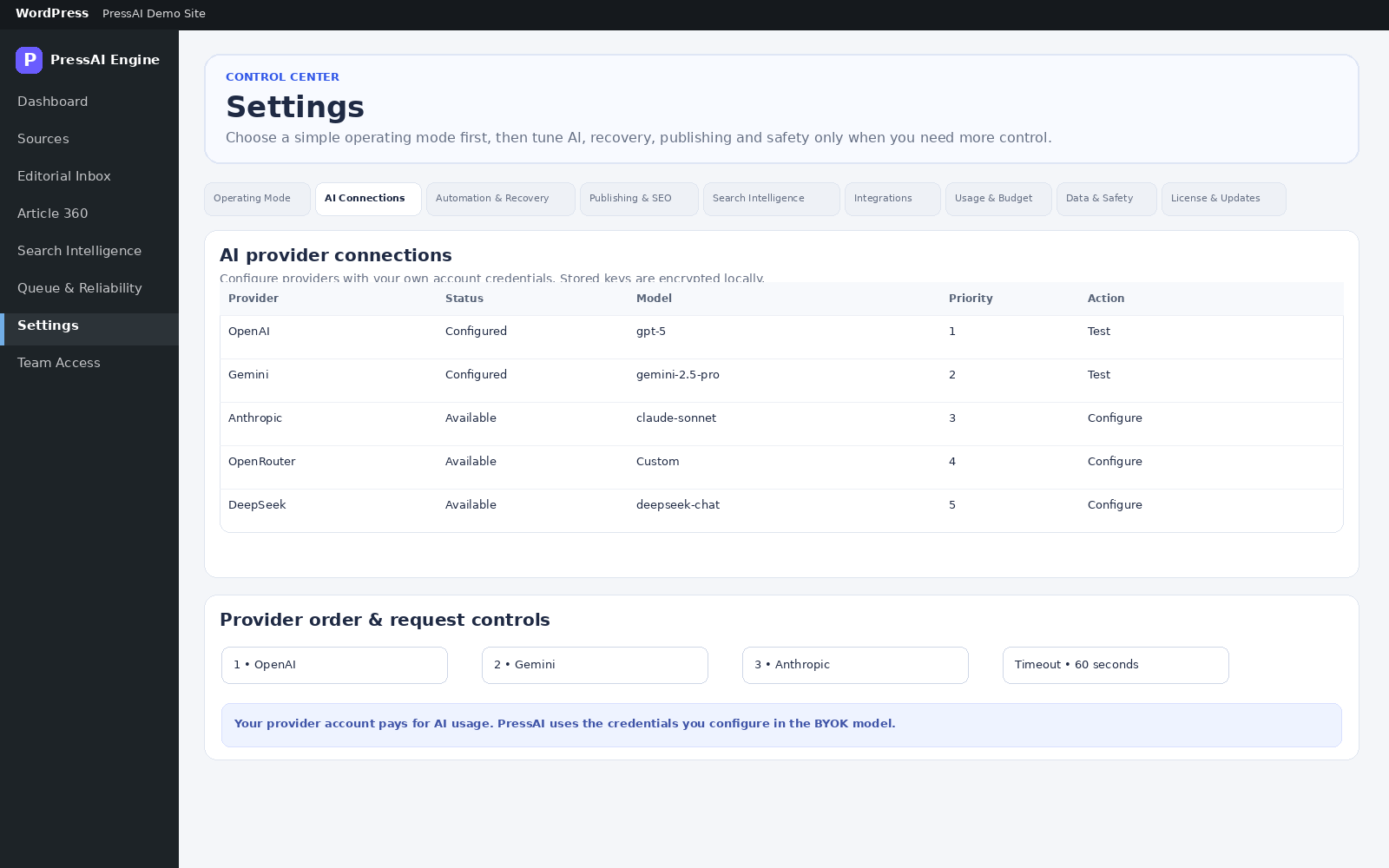
Path: PressAI → License & Updates. Use this screen to review the license state for the installation and the update channel available to the site.
What to check
- Confirm that the site shows the expected license state before relying on Pro-only actions.
- Keep customer-owned WordPress content separate from license state; licensing governs product access, not ownership of your articles.
- Install PressAI updates only from the official update channel provided for the product.
- Back up the site before major WordPress or plugin maintenance, following your normal site-operations policy.
If an update is unavailable
Check the license state, WordPress connectivity and administrator permissions first. If the issue persists, use the troubleshooting guide before changing product files manually.