
/
Queue & Automation
Intelligence & operations · 21 of 39
What this guide covers
Durable jobs, scheduler and retries.
How to use it
Follow the page in order, verify the named screen or setting in PressAI, then use the related and next-guide links to continue the workflow.
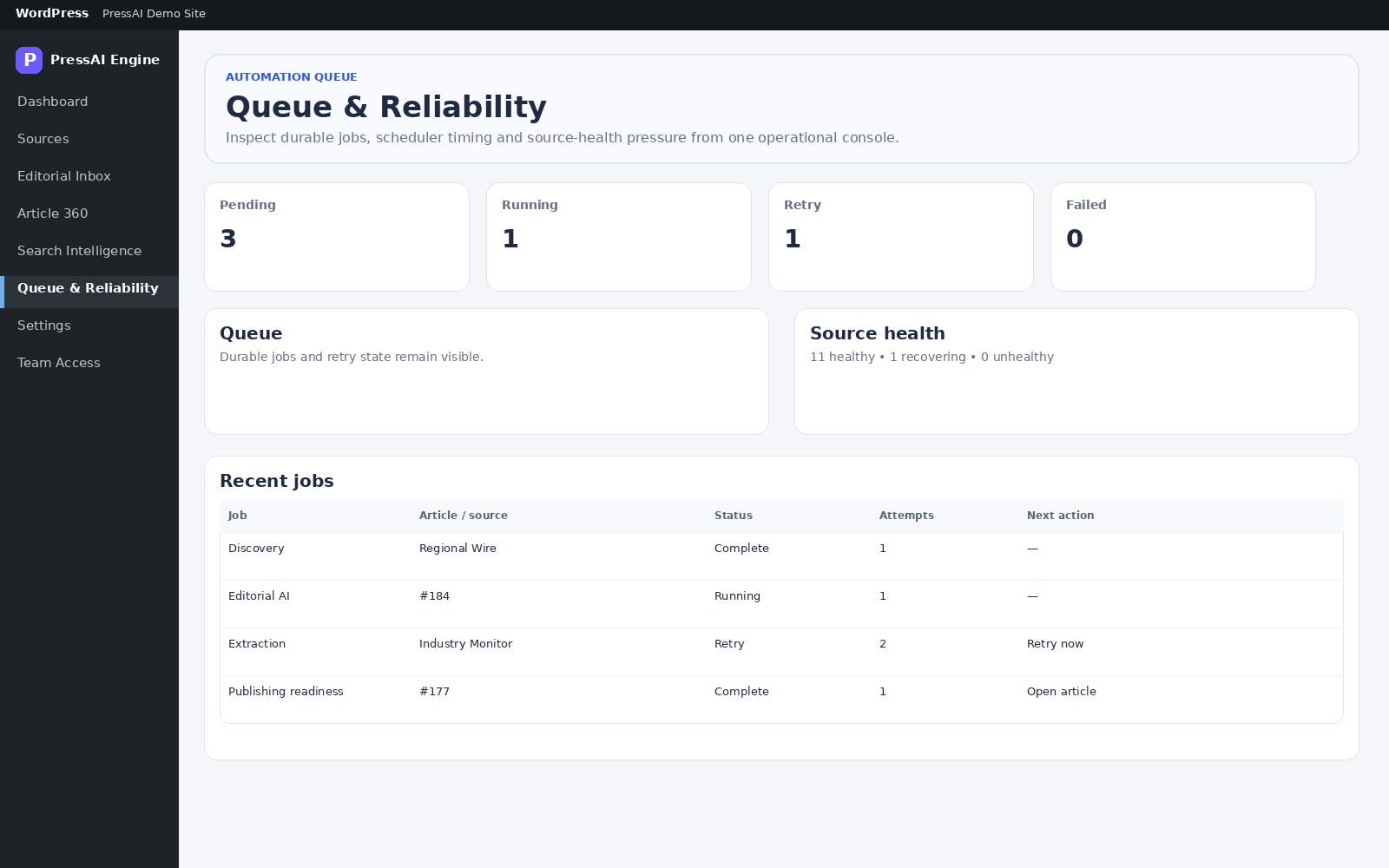
Path: PressAI → Queue.
Actions
| Field / action | Meaning |
|---|---|
| Run worker now | Process a batch now. |
| Run scheduler now | Run scheduled checks now. |
| Cancel | Cancel a cancellable job while preserving operational evidence. |
| Source health | Shows healthy/degraded/unhealthy source pressure. |
Related settings
Settings → Automation & Recovery controls worker batch size, stale timeout, extraction limit, minimum confidence and retry delays.
Inspect an automation issue
- Open PressAI → Queue & Reliability.
- Check pending, running, retry and failed job counts.
- Inspect recent jobs and source health.
- Retry only the affected durable job when appropriate.
- Use logs and source health before changing automation settings.