
/
Troubleshooting
Administration & support · 38 of 39
What this guide covers
Provider, source, queue and publishing diagnostics.
How to use it
Follow the page in order, verify the named screen or setting in PressAI, then use the related and next-guide links to continue the workflow.
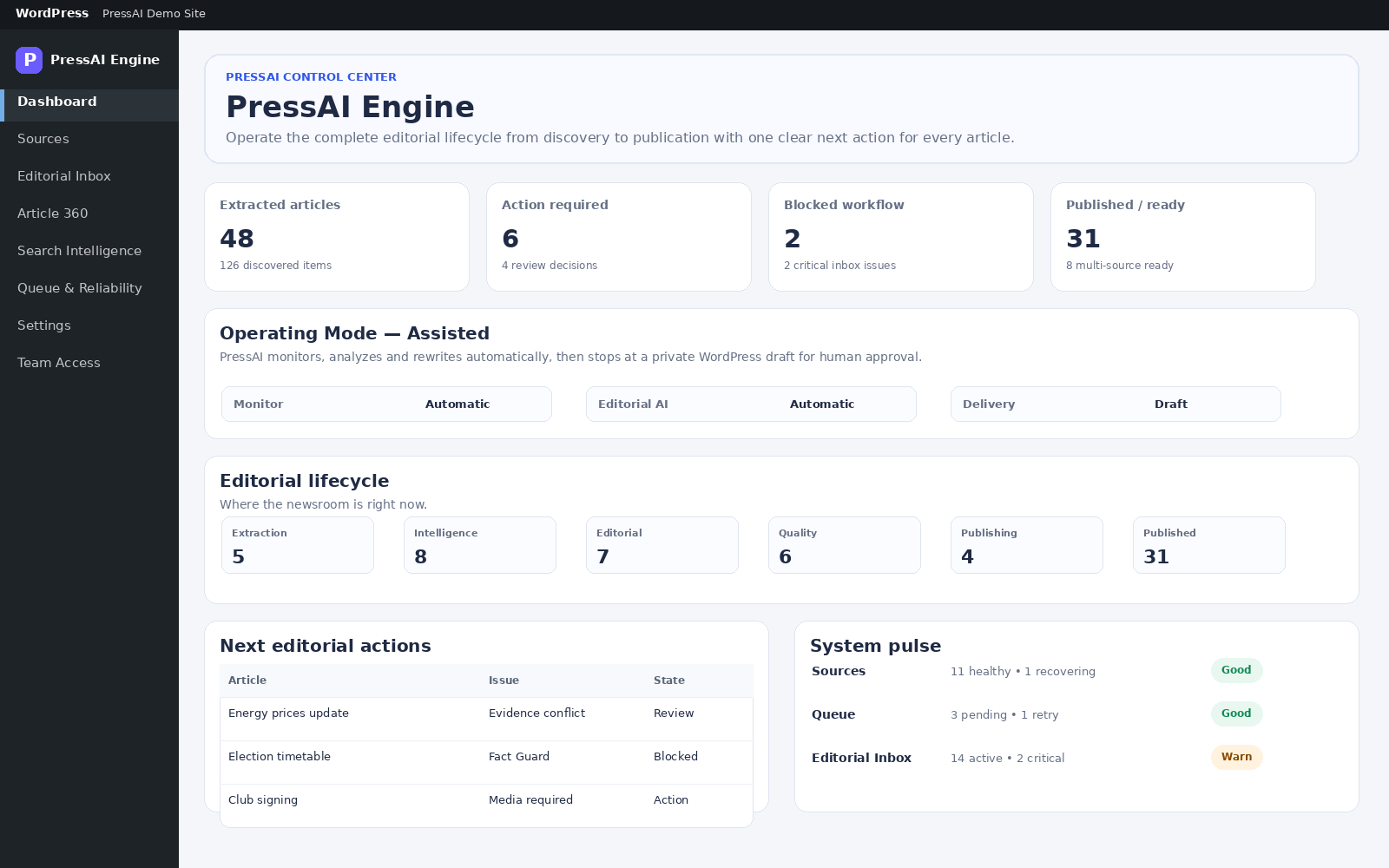
Use the owning screen first, then Logs for deeper evidence.
AI provider failed
- Verify API key/default model in Settings → AI Connections.
- Check provider billing/quota.
- Review timeout and provider order.
- Inspect redacted operational logs.
No source candidates
- Sources → open source → Run discovery.
- Inspect discovered endpoints and health.
- Run adaptive recovery after repeated failures.
Publishing blocked
- Article 360 → Check readiness.
- Resolve evidence conflicts, then Fact Guard, then Quality Gate.
- Check SEO/media/WordPress requirements.